
Whether you are designing graphics for t-shirts, web, or anything else, "halftoning" can improve your images and save time! Here's how...
Have a photo that would make an excellent graphic, except it's just too small, grainy, blurry, or pixelated? Often times, you can turn a regular snapshot into a crisp one-color work of art just by applying halftones.
If you don't already know about unsplash.com, it's "The internet's source of freely-usable images."
Need a photo for a graphic? Chances are unsplash has it. Run it through the Halftone Processor, and you have an instant print-ready image.
Our Halftone Processor makes things easy. Adjust halftone style (16 options: dots, lines, wavy lines, wavy dots, zig-zag patterns) and scale the pattern interactively, with no need to "convert to bitmap" before seeing the results.
You can export your graphic as a 4000 x 4000 pixel file, more than suitable for large t-shirt graphics.
If you need more resolution, it's not a problem! Just increase your Halftone Processor's document canvas size prior to adding in your image. You won't lose resolution or quality.
If you need vector format, you can easily convert your image in Adobe Illustrator, Adobe Capture, or a handful of other (free & paid) vector conversion apps.
Turn plain images into graphics with flair. Use bright (or subtle) color combinations. Oversized & stylized halftones may be the answer!
How to create quick halftone images with the Halftone Processor Template for Affinity Designer & Affinity Photo for Mac, Windows, and iPad.
How to create quick halftone images with the Halftone Processor Template for Photoshop.
These brushes for Photoshop, Affinity, and Procreate will allow you to build up smooth texture gradients.
Here's what you get:
30 pressure-sensitive brushes - 10 different texture patterns, each with [Light • Medium • Dark] versions. Use a pressure-sensitive drawing tablet for ultimate shading control.
PDF Guide & Instructions
Free updates (Stay tuned. We have some special additions in the works!)
for PHOTOSHOP (CS4, CS5, CS6, CC or newer) for desktop Mac and PC. Not compatible with Photoshop iPad App.
for AFFINITY Designer & Photo (1.10.4 or newer) for Mac, PC, and iPad.
for PROCREATE iPad app, version 5.2.4 or newer.
These brushes and textures are not compatible with Illustrator, Fresco, Inkscape, GIMP, Pixelmator, Mobile Apps, Canva, or other software.
This tutorial applies to the following texture brush collections for Photoshop:
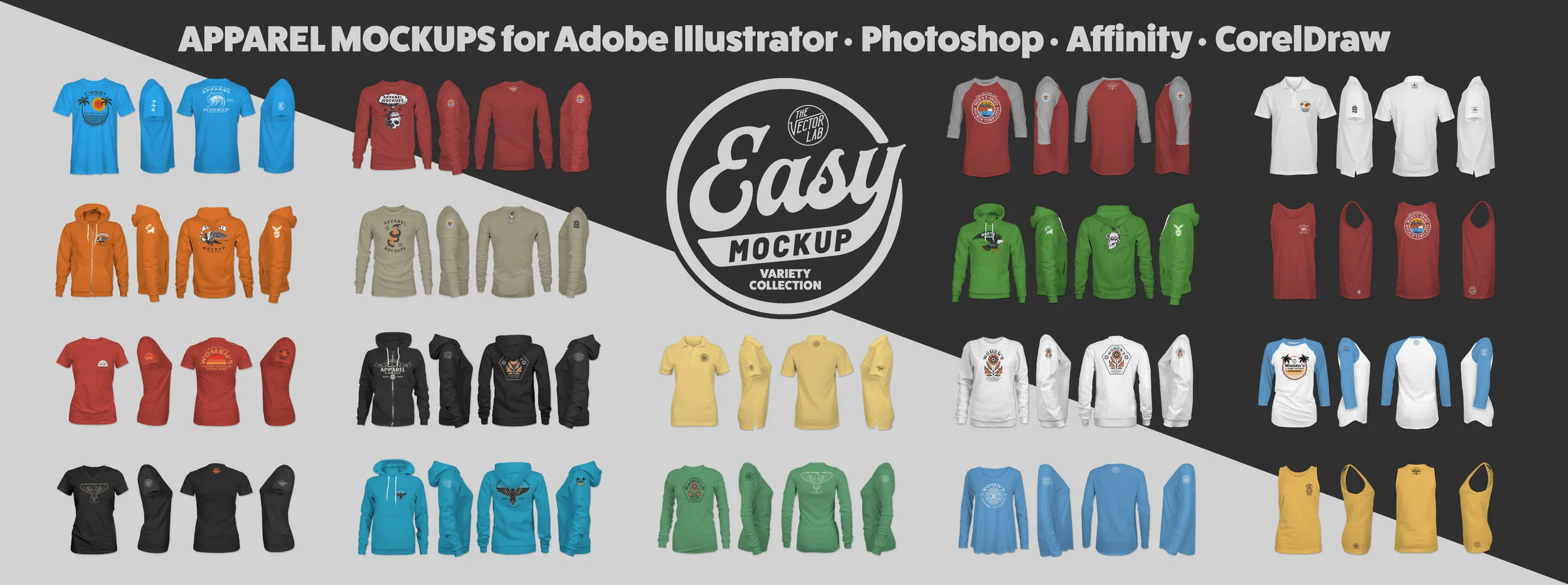
Tips for using TheVectorLab apparel mockups on iPad. This tutorial shows the Illustrator iPad app. The mockups work in Illustrator and Photoshop for iPad and desktop.
Tutorial - How to customize the Flat Lay Pro T-Shirt & Apparel Mockup Templates in Adobe Photoshop.
Tutorial - How to customize the Flat Lay Pro T-Shirt & Apparel Mockup Templates in Adobe Illustrator.
Tutorial - How to customize the Flat Lay Pro T-Shirt & Apparel Mockup Templates in Affinity Designer and Affinity Photo.
Tutorial - How to customize the Flat Lay Pro T-Shirt & Apparel Mockup Templates in CorelDraw.
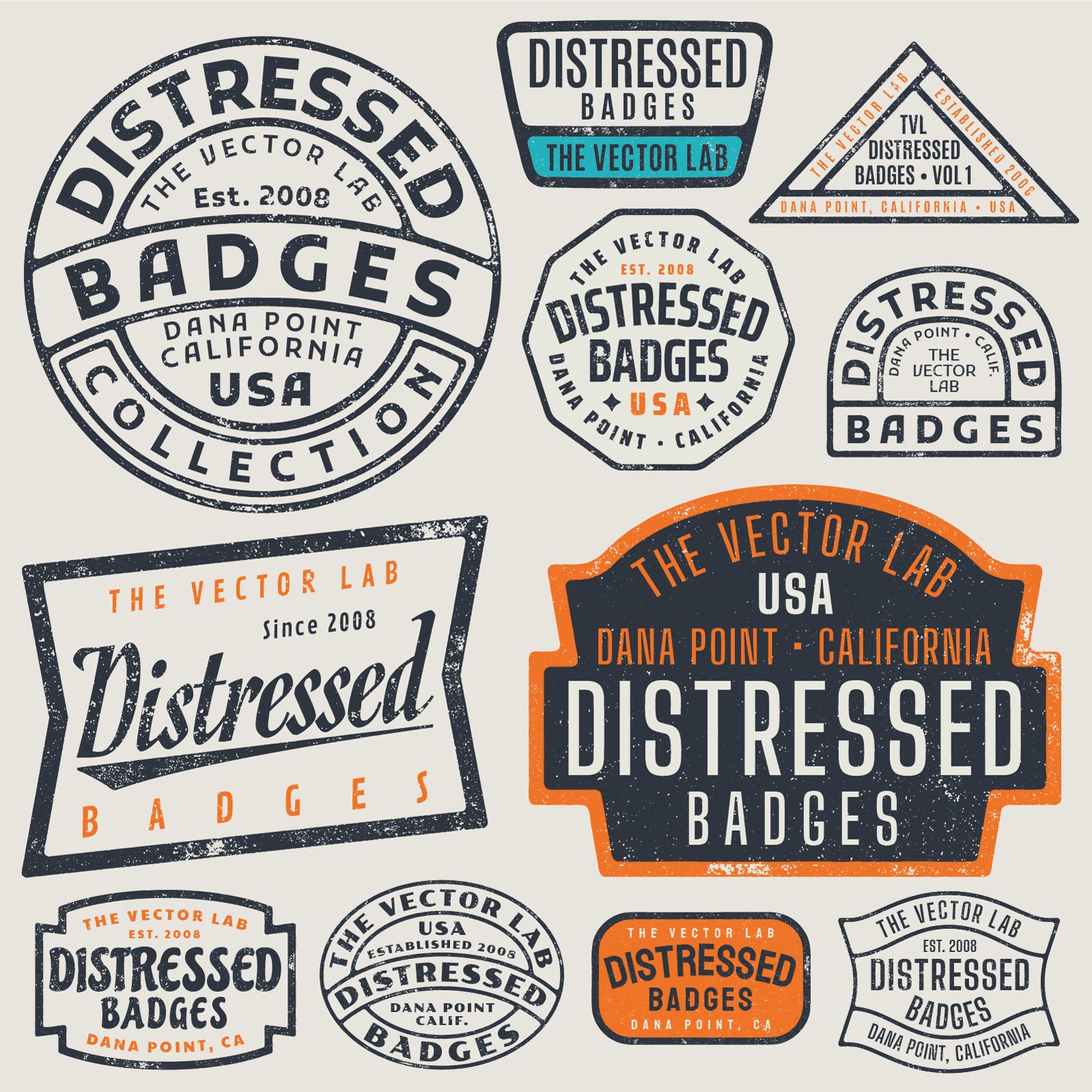
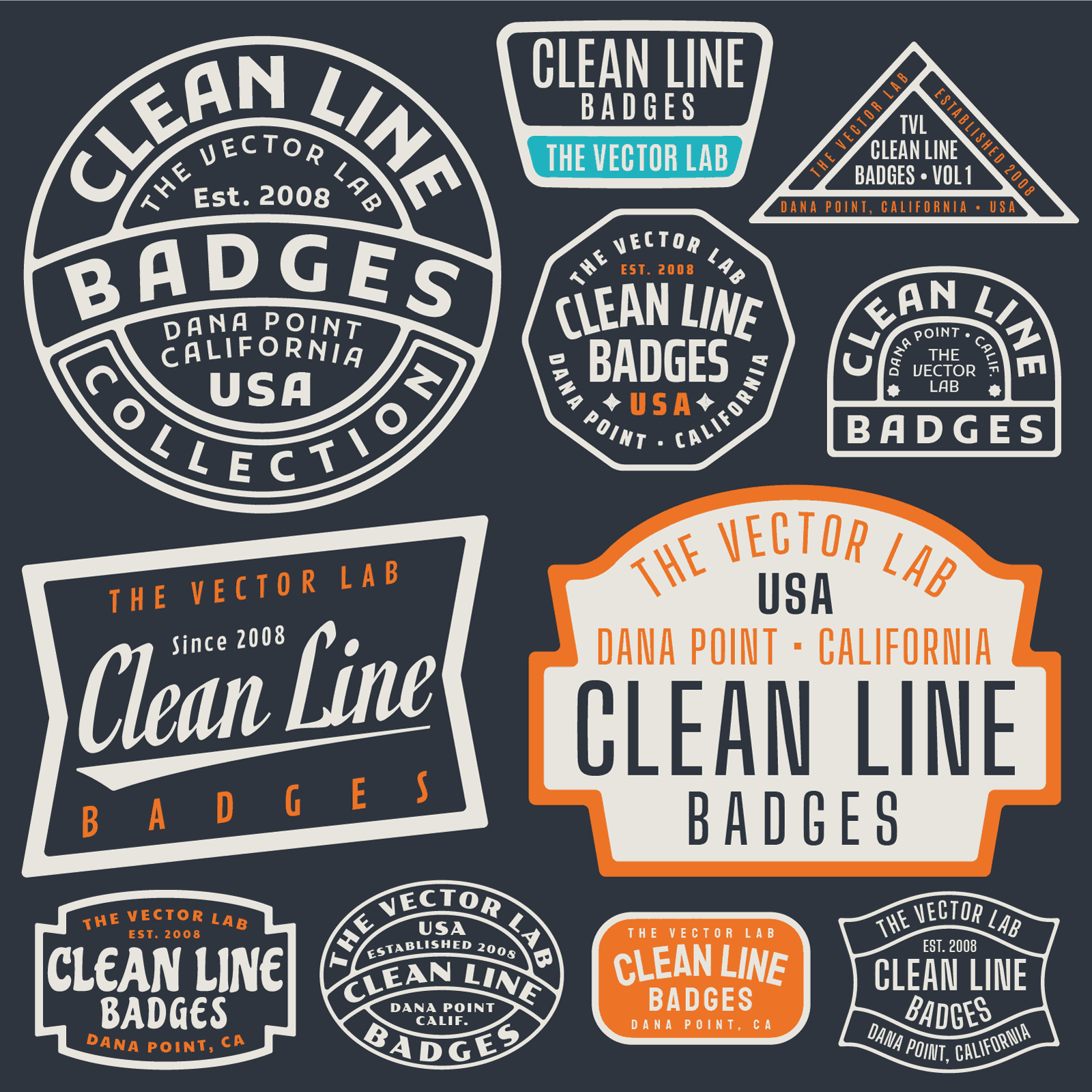
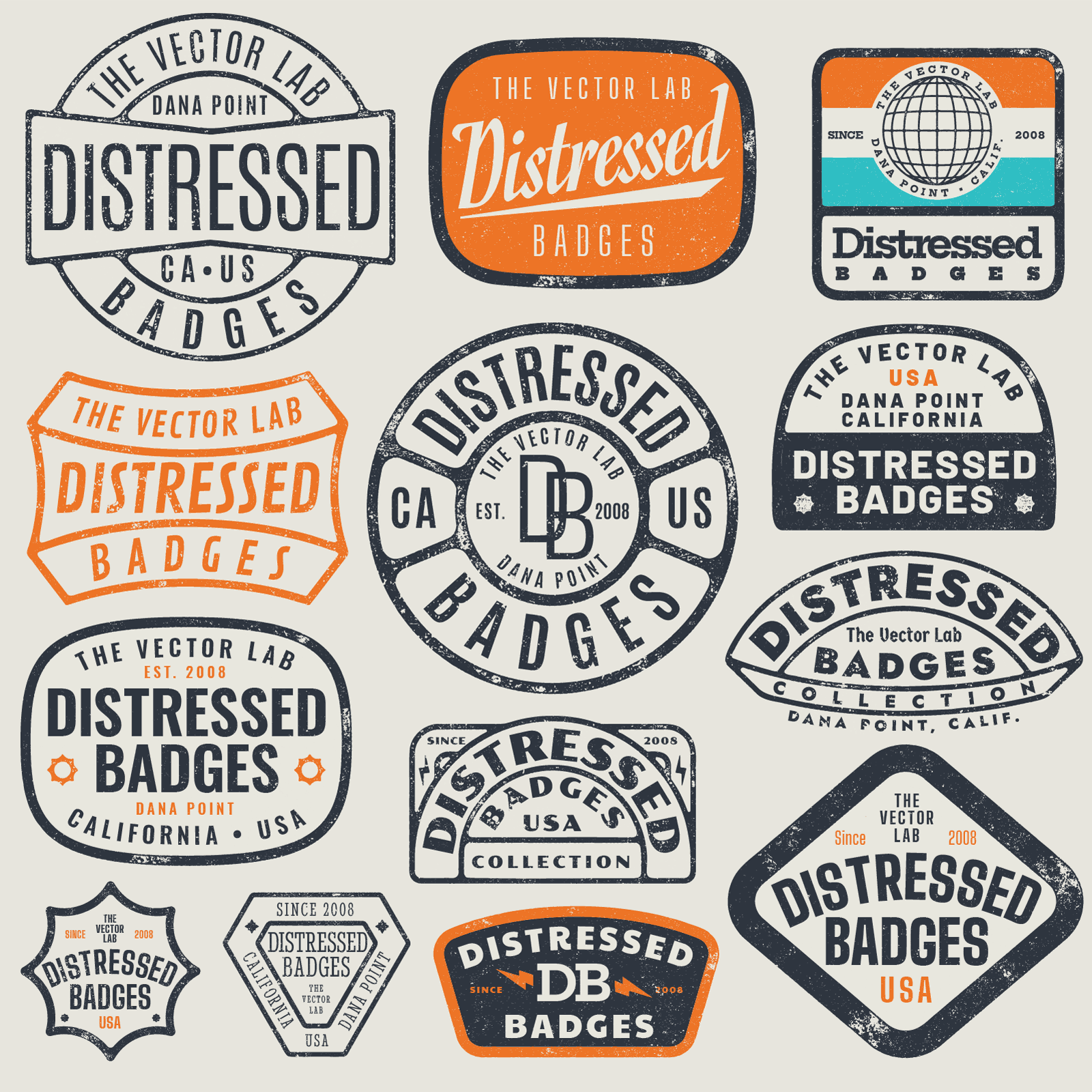
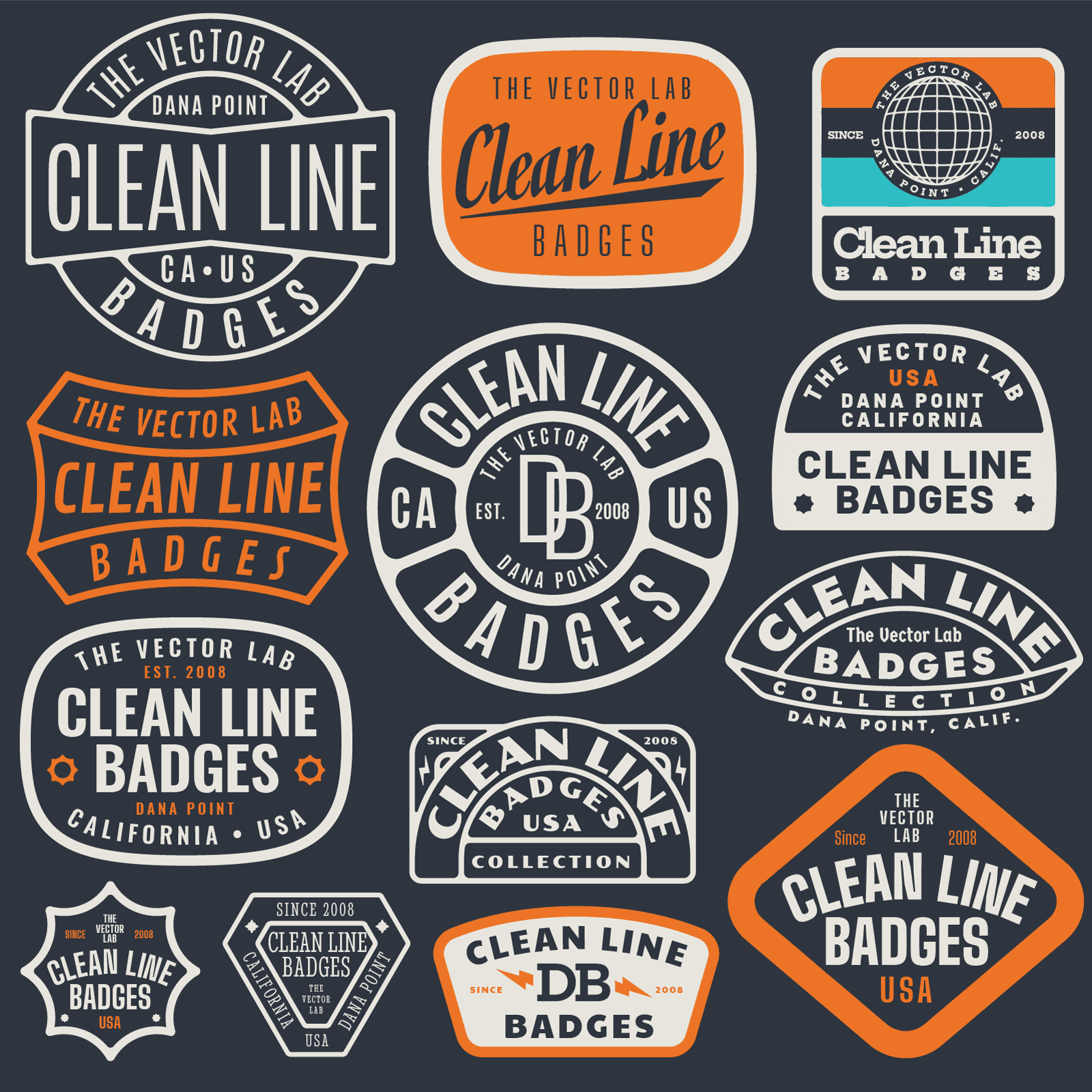
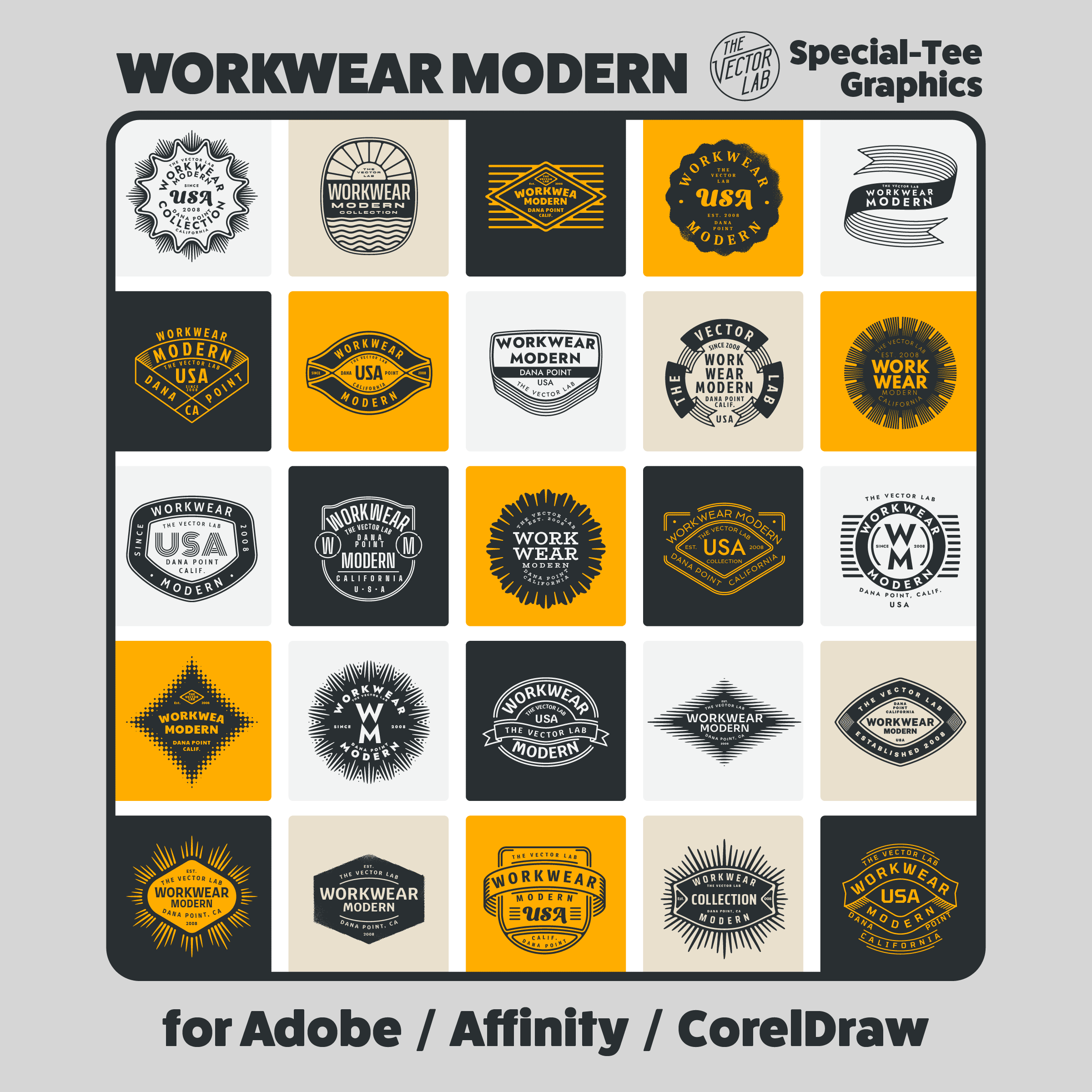
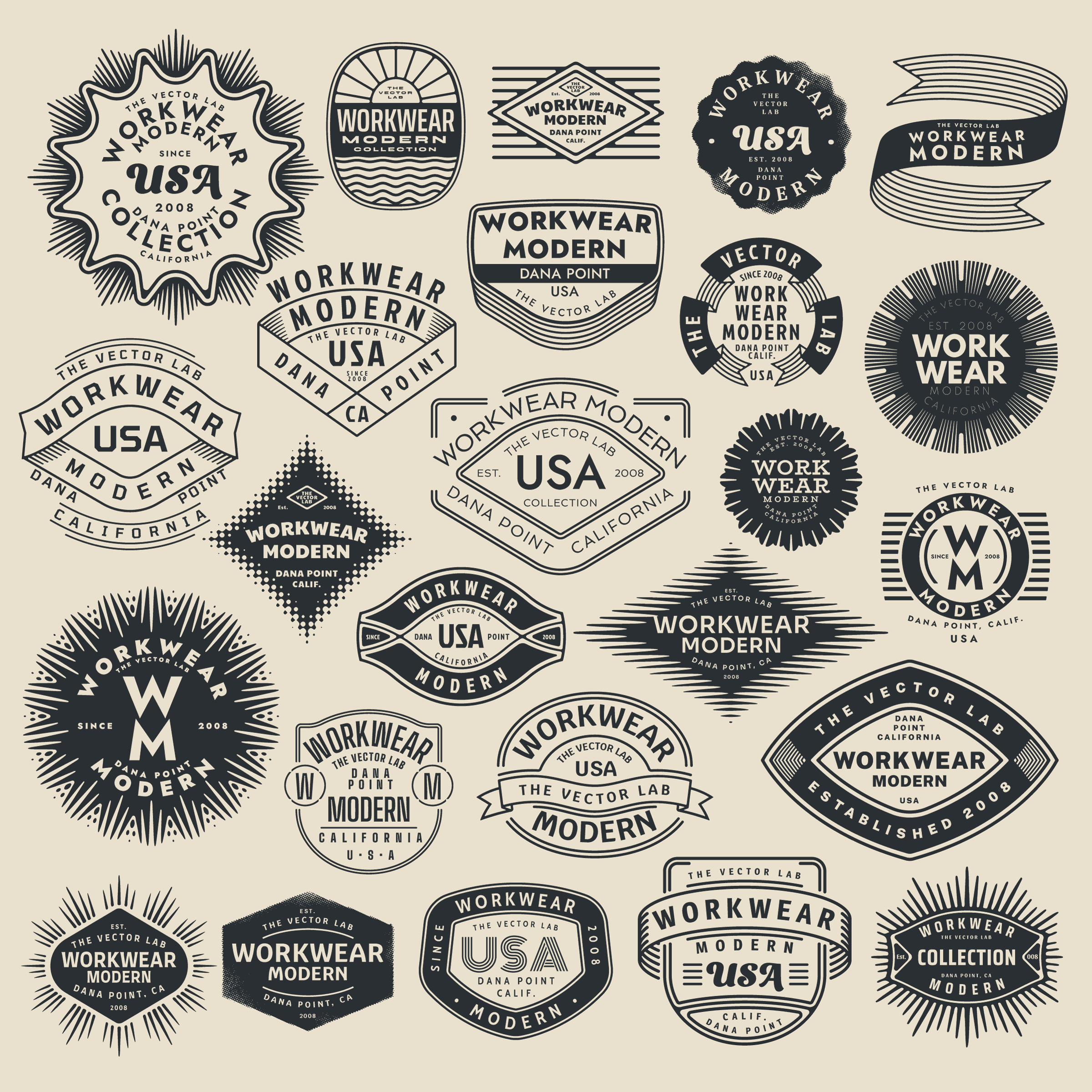
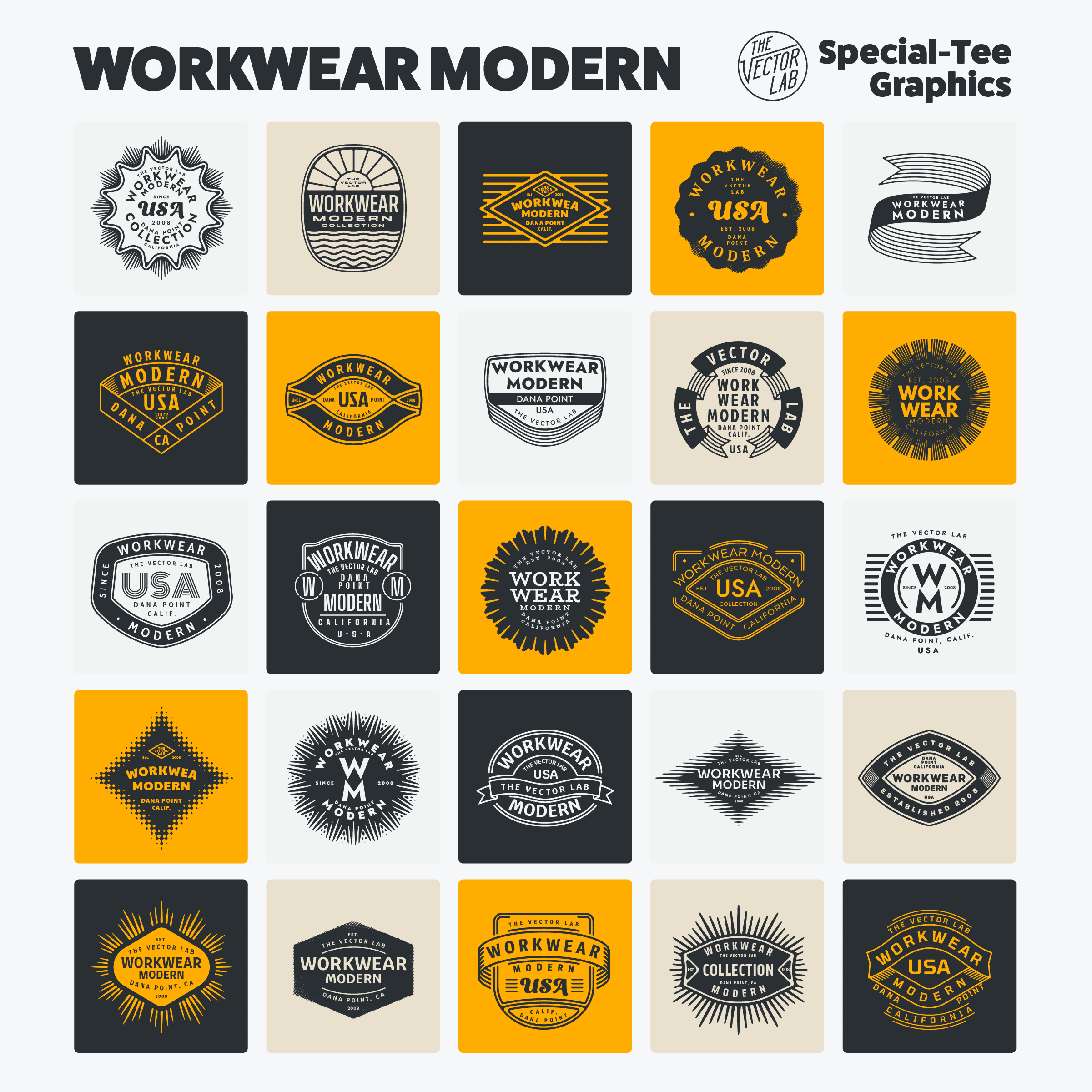
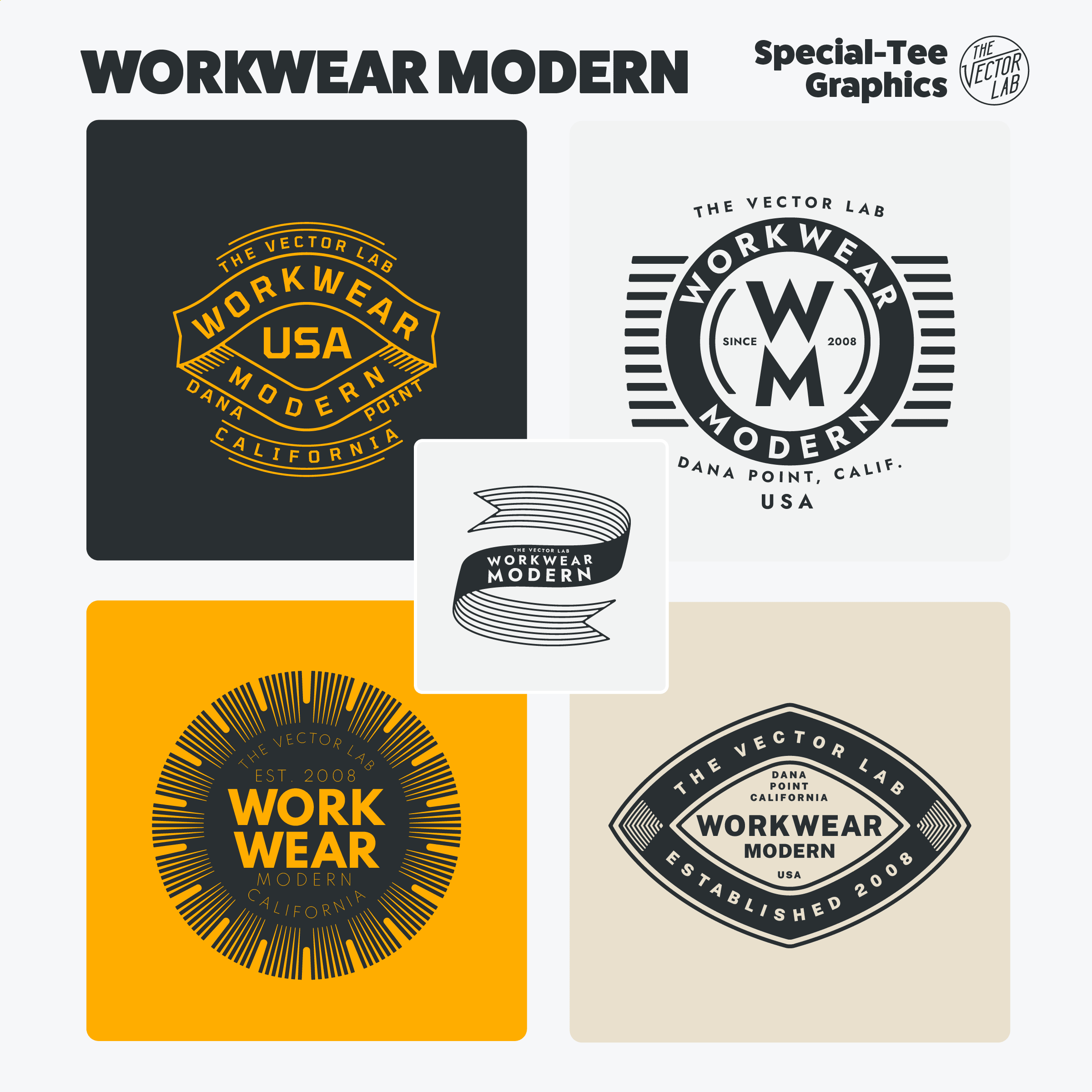
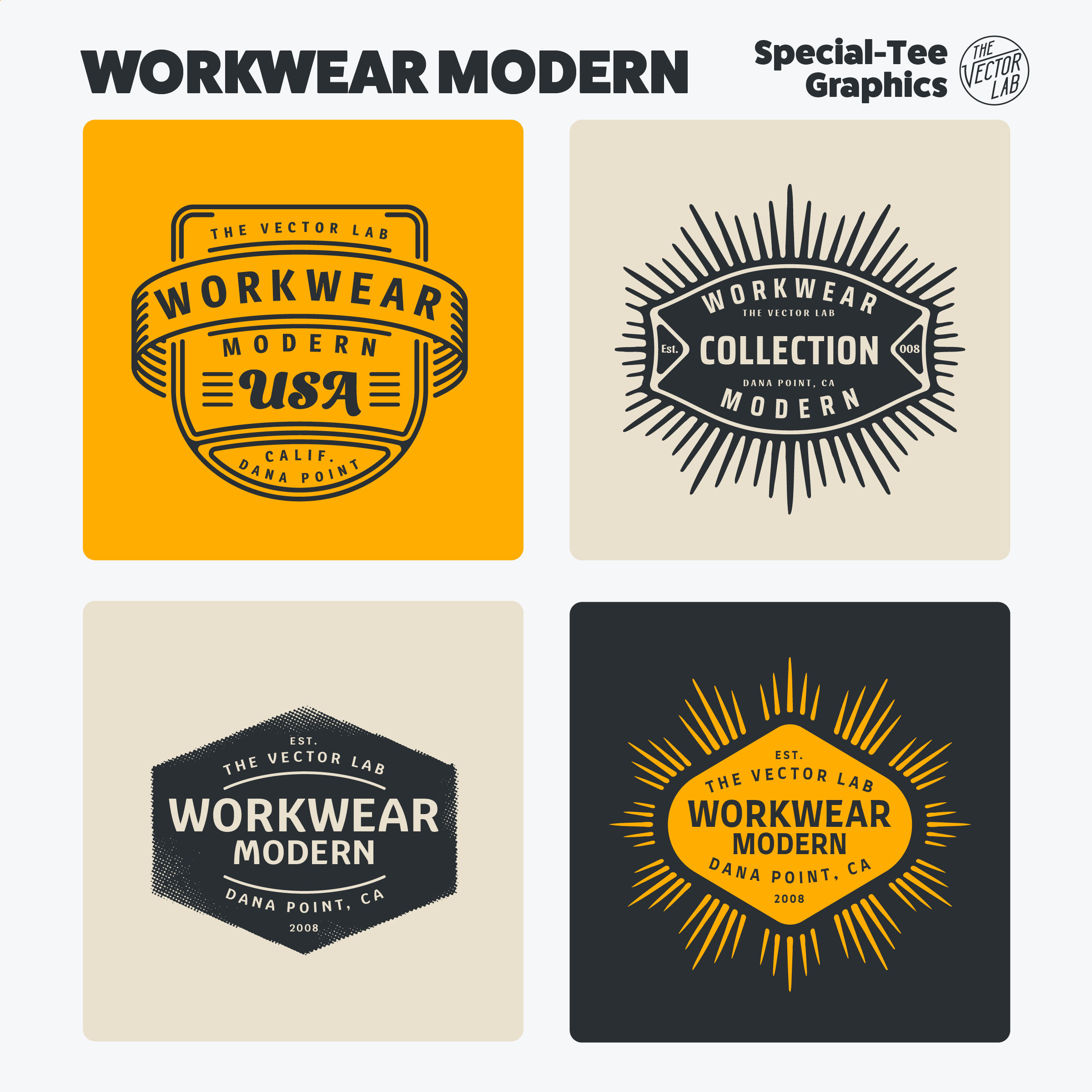
Modern designs inspired by vintage clothing labels and workwear logos.
Beginners can easily change the type and colors.
Experienced designers can use these templates as a time-saving starting point to make completely new graphics.
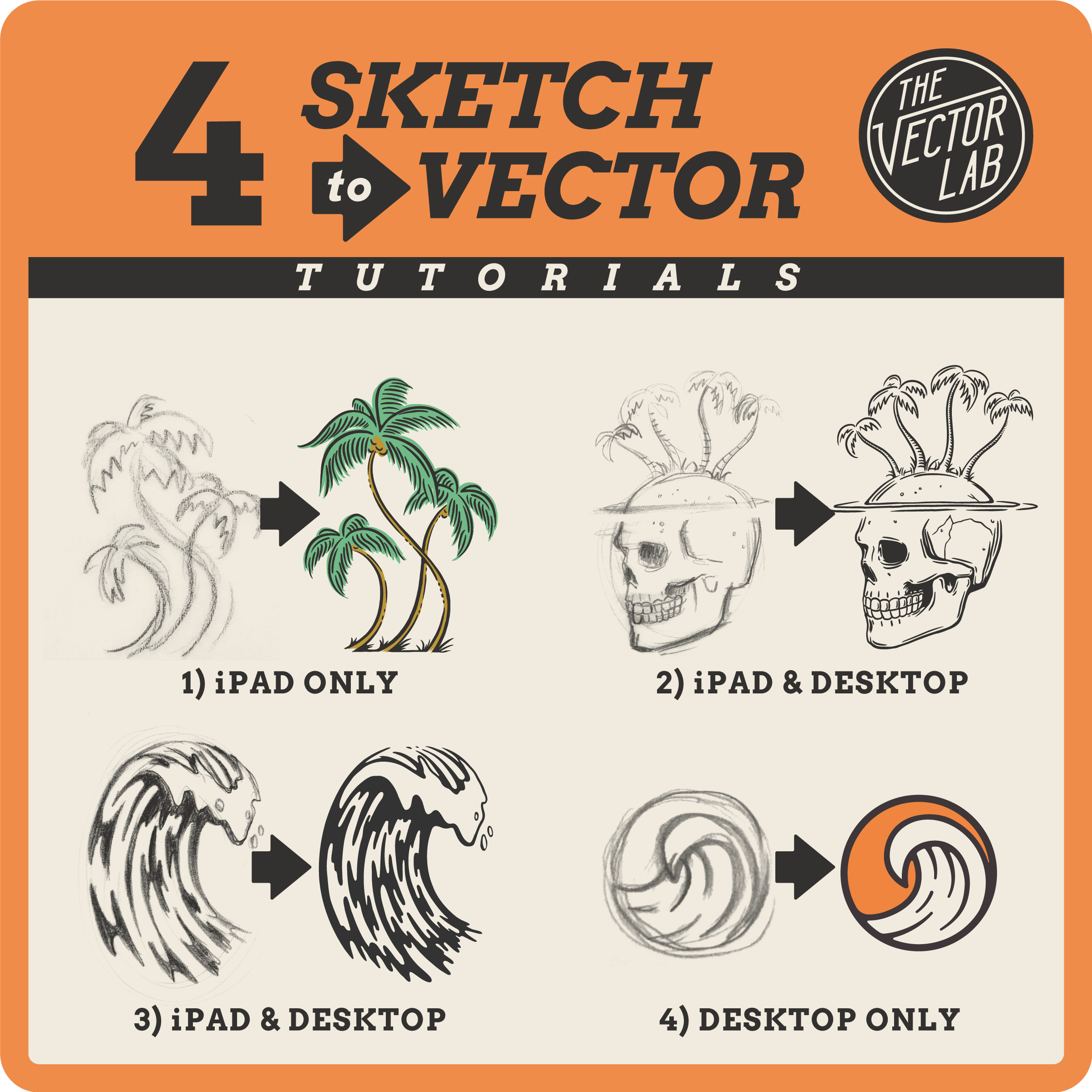
Today’s post is a selection of 4 tutorials showing how you can create vector graphics, starting with a sketch.
This tutorial shows how to create vector graphics using only an iPad! The tools used are the Procreate app, Adobe Capture app, and Adobe Illustrator app.
This tutorial shows how to create vector graphics using an iPad and a desktop computer. The tools used are the Procreate iPad app, Skelly iPad app, Photoshop (desktop), and Illustrator (desktop).
This tutorial shows how to create vector graphics using an iPad and a desktop computer. The tools used are the Procreate iPad app and Illustrator (desktop).
This tutorial shows how to turn a thumbnail sketch into a clean vector logo in Adobe Illustrator.
This tutorial will show you how to convert Procreate drawings to vector art. (No desktop computer needed!)
How to turn rough sketches into vector art for t-shirt graphics.
Mechanical Pencil: Pentel GraphGear 1000
Drawing Tablet: iPad Pro 12.9" with Apple Pencil
This tutorial covers:
The purpose of a t-shirt spec sheet.
How to make and use a spec sheet.
Why and how to use linked files.
How to use t-shirt mockups in your spec sheet.
Recolor and scale vector pattern swatches in Adobe Illustrator.
This video is an excerpt from T-Shirt Design Workshop 1, included with The Big 6 T-Shirt Design Bundle.