
Apply a variety of vector textures to your t-shirt designs

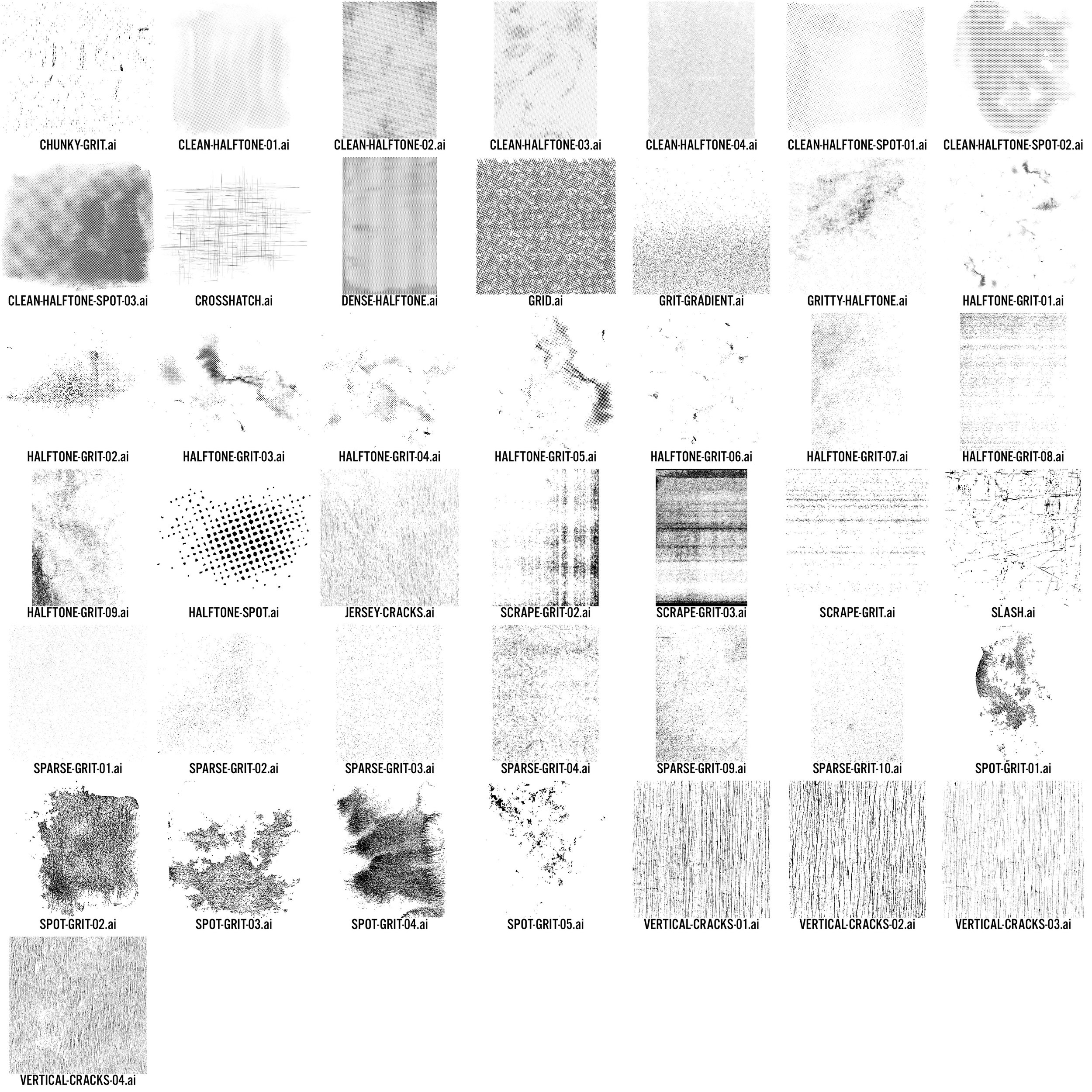
43 Vector Textures
Some screen printers prefer 100% vector files. If this is the case for you, Vector T-Shirt Textures will be a good choice.
Because vector textures have so many vector points, you may find that they slow down your computer somewhat, compared to textures in Bitmap format.
The “Opacity Mask” Method
If you are using the textures for t-shirt design, you will most likely want to knock transparent texture through your design so that the fabric beneath color shows through.
I recommend using the “Opacity Mask” method. Here’s how:
If you don’t have Vector T-Shirt Textures yet, they can be ordered in the following collections:
